
On this page
Manual lead follow-up can look inexpensive.
A lead comes in. Someone replies. If the customer does not answer, someone follows up later. No new software appears on the expense line.
But that does not mean the process is free. Every manual lead-response workflow uses something businesses already pay for: people’s time.
For a local service business, that may mean an owner, dispatcher, office manager, technician or salesperson repeatedly checking:
- Yelp
- Google Local Services Ads
- Thumbtack
- CRM
- text messages
- other lead notifications
At low volume, this may work perfectly well. As volume grows, the problem is not simply the time required to type a response. The cost comes from repetition, interruptions, inconsistent follow-up and the requirement that someone must be available at exactly the moment the customer contacts the business.
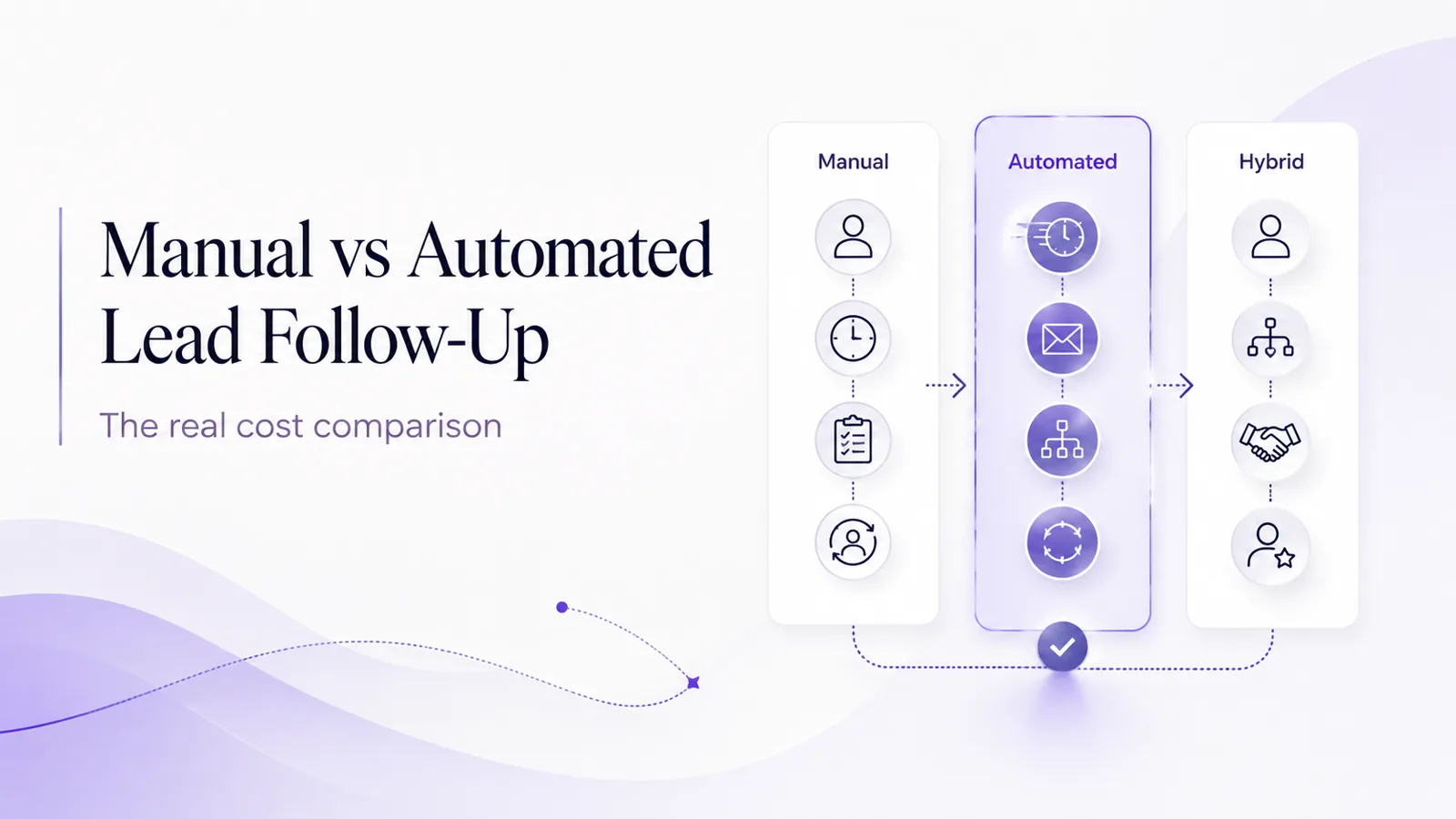
Automation changes that equation. But automating everything is not always the right answer either. The best workflow for many local service businesses is a hybrid: automate predictable repetitive work, and keep human judgment where it actually matters. This guide shows how to compare the real operational cost of both approaches.
What counts as manual lead follow-up?
Manual follow-up means a person is responsible for each step. For example:
- A notification arrives.
- Someone notices it.
- They open the lead platform.
- They read the request.
- They write a reply.
- They ask qualification questions.
- They wait for a response.
- They remember to check again.
- They follow up later.
- They transfer useful information into another system.
- They notify the appropriate team member.
- They continue until the lead is closed, lost or handed off.
None of these tasks is individually difficult. The cost appears because they happen repeatedly.
What counts as automated lead follow-up?
Automated follow-up means software handles defined repetitive steps according to configured business rules. Depending on the workflow, automation can help with:
- sending the first response
- using lead context
- asking qualification questions
- checking service fit
- using approved pricing information
- following up
- stopping follow-ups when the customer responds
- escalating unusual conversations
- notifying staff
- passing qualified lead information into another workflow
Automation should not mean “let AI make every decision.” Good automation has boundaries.
The hidden cost of manual follow-up
The easiest cost to see is staff time. But there are several forms of operational cost.
1. Time spent checking lead sources
If the business uses three lead platforms, somebody has to monitor all three. Even when there are no new leads, checking them still takes attention.
2. Context switching
A dispatcher may be working on:
- scheduling
- customer support
- technician coordination
- phone calls
Then a Yelp notification appears. They stop one task, answer Yelp, then return to the previous task. The cost is not only the two minutes spent typing. The interruption itself has operational value.
3. After-hours coverage
A fully manual process requires somebody to be available if the business wants leads answered outside office hours. That may mean an owner monitoring their phone, employee overtime, rotating responsibility, an answering service, or simply leaving the lead until morning. Each option has a cost or a tradeoff.
4. Forgotten follow-ups
The first response is often easy. Remembering to return to every quiet conversation later is harder. Without a system, follow-up depends on memory, reminders, spreadsheets, CRM tasks and personal discipline.
5. Duplicate work
A team member may manually copy information from Yelp into a CRM, then send a text to a technician, then update another internal system. This is useful work, but it is repetitive.
How to calculate your manual follow-up cost
Monthly manual follow-up cost
=
Monthly hours spent on lead handling
×
True hourly labor cost
Start by estimating all time related to:
- checking lead sources
- first replies
- qualification
- follow-ups
- internal routing
- CRM entry
- lead-status updates
Do not count only typing time. Depending on the business, true labor cost can include wages, payroll burden, management time, interruptions, overtime and opportunity cost. There is no universal figure here — use your own numbers.
Calculate cost per lead handled
Cost per lead handled
=
Monthly follow-up cost
÷
Total leads handled
A hypothetical illustration, not a benchmark. Suppose a business estimates that its team spends 25 hours per month on lead monitoring, response, qualification and follow-up, and calculates its true labor cost for that work at $30 per hour:
- 25 × $30 = $750 per month
- If 150 leads were handled: $750 ÷ 150 = $5 of labor per lead handled
These numbers are illustrative only. $30 per hour is not an industry benchmark, and every business should substitute its own staff time and labor cost.
Manual vs automated vs hybrid: side by side
| Factor | Manual | Automated | Hybrid |
|---|---|---|---|
| First response | Depends on staff availability | Configured automatically | Automated first response |
| After-hours | Requires staff coverage | Can operate continuously | Automation first, human later |
| Qualification | Human | Configured workflow / AI | Automation handles routine questions |
| Follow-up reminders | Human memory or tasks | Automatic rules | Automation until handoff |
| Complex judgment | Strong | Limited by configuration | Human |
| Consistency | Depends on team and process | Repeatable | Repeatable routine + human judgment |
| Scaling volume | Requires more staff capacity | Software handles repetitive volume | Automation absorbs routine growth |
| Personal nuance | High | Depends on configuration | Human where needed |
| CRM / workflow entry | Manual | Can be automated | Automated where supported |
| Cost profile | Labor-heavy | Software + setup | Software + focused human labor |
The hybrid column is important. The choice is not necessarily human or automation. Often the better question is: which steps actually require a person?
Where manual follow-up is better
Manual communication remains valuable when context and judgment matter. Examples:
- unusual estimates
- complaints
- negotiation
- complex projects
- pricing exceptions
- high-value opportunities
- sensitive situations
- customers explicitly requesting a person
These are poor places to force automation simply to reduce staff time.
Where automation is better
Automation is strongest when the work is predictable and repetitive. Examples:
- acknowledging a new lead
- responding after hours
- asking standard qualification questions
- checking service area
- using approved rate-card information
- following up according to rules
- stopping follow-ups after a reply
- notifying the correct team
- routing structured lead information
These tasks do not necessarily become more valuable because a person performs them manually. For the wording side of that first message, see the anatomy of a perfect auto-reply.
The cost of after-hours manual coverage
What happens when a lead arrives at 8:30 PM?
If the answer is “the owner sees it if they happen to look at their phone,” then there is no reliable process. Manual after-hours coverage usually requires one of:
- employee availability
- rotating responsibility
- owner involvement
- an answering service
- a delayed response
Automation creates another option: begin the conversation automatically and involve a person when needed. That does not mean every after-hours lead can be fully handled without a person.
Example: one lead, two workflows
A hypothetical scenario, not a customer case study. A customer sends a Yelp Request: “My garage door won’t open.”
Manual workflow. 7:42 PM: the lead arrives. Next morning: the office manager sees the notification, reads the project and writes a reply. The customer may or may not still be actively looking.
Automated / hybrid workflow. 7:42 PM: the lead arrives and the system responds: “Thanks for reaching out about the garage door. Is the door stuck completely closed, or does the opener run but the door doesn’t move?” The customer replies, automation collects the ZIP code and relevant details, and when staff return the conversation already contains context.
This comparison demonstrates operational coverage only. It does not mean the automated version won the job. Channel setup for this example is described on the Yelp Auto Responder page.
The cost of repetitive follow-up
Suppose every unanswered lead needs two additional follow-up attempts.
In a manual process, someone must:
- remember the lead
- reopen the conversation
- determine whether follow-up is appropriate
- write and send it
- repeat later
In an automated process, a rule can schedule the follow-up and stop when:
- the customer replies
- the customer opts out
- a person takes over
- the sequence ends
This is an example of work that is usually operational rather than judgment-heavy.
When does automation start making financial sense?
There is no universal lead-volume threshold. It depends on:
- monthly lead volume
- labor cost
- number of lead sources
- after-hours requirements
- follow-up cadence
- number of locations
- complexity of qualification
- software cost
Automation break-even occurs when
Monthly cost of repetitive manual work
is greater than or comparable to
Software cost + remaining human oversight cost
For a business receiving five leads per month, manual handling may be perfectly reasonable. For a business receiving hundreds of leads across several platforms, repetitive manual work may become expensive or inconsistent.
Do not forget opportunity cost
A business owner answering routine lead notifications is not doing another task during that time. A dispatcher writing repetitive first responses is not coordinating technicians, answering a complex customer or resolving a scheduling issue.
Opportunity cost is difficult to quantify, and this guide does not attach a dollar figure to it. But businesses should include it when deciding which work actually requires skilled staff.
Manual vs automated qualification
Manual qualification: a person reads the lead and asks each question. Advantages include nuance, flexibility and judgment. Limitations include labor cost, availability and inconsistent questioning.
Automated qualification: the system asks configured questions. Advantages include consistency, immediacy, scalability and after-hours coverage. Limitations include the need for proper configuration, escalation paths for edge cases, and the fact that poor rules create poor conversations.
Hybrid: automation gathers routine information; a person handles exceptions and closing conversations. For many local service businesses, this is the most practical model.
What the hybrid model looks like
- 01Lead arrives
- 02Automated first response
- 03Routine qualification
- 04Service / area / pricing rules
- 05Qualified?
- 06Human handoff
If the customer goes quiet, an automated follow-up runs. If the conversation becomes unusual, it goes to a person. Automation handles process; humans handle judgment.
How this applies to Yelp, Google LSA and Thumbtack
Yelp
Yelp Requests can contain project context. A responder can use that context and ask the next useful question instead of starting from scratch. See Yelp Auto Responder.
Google Local Services Ads
For supported Google LSA message leads, automation can respond and qualify according to configured business rules. LSA phone calls are not answered automatically. See Google LSA Auto Responder.
Thumbtack
Thumbtack leads can contain job and project details. Automation can build on those details rather than requiring the customer to restart the intake process. See Thumbtack Auto Responder.
How to audit your current follow-up process
For one week, track:
- Number of incoming leads
- Lead source
- Time received
- Time of first response
- Who responded
- Number of manual messages sent
- Follow-ups performed
- Time spent qualifying
- CRM or data-entry time
- Leads that arrived after hours
- Leads that received no follow-up
Then ask:
- Which tasks actually required human judgment?
- Which were repetitive?
- Which depended only on someone remembering?
- Which could have happened automatically?
This gives the business a real baseline before purchasing automation.
How InstantResponse fits into a hybrid workflow
InstantResponse is designed to automate the repetitive early stages of supported lead conversations from Yelp, Google LSA message leads and Thumbtack. Using information configured by the business, workflows can handle:
- first response
- qualification
- service area
- business hours
- approved rate-card information
- follow-ups
- escalation
A team member can take over when human judgment is required. Qualified lead information can also be passed into supported CRM and workflow systems through Zapier and/or webhooks. See the AI Auto Responder for how the workflow is configured. The speed side of the same process is covered on speed to lead.
Cost worksheet
Work through these lines with your own numbers:
| A | Leads per month |
|---|---|
| B | Average manual minutes per lead |
| C | Total lead-handling hours = A × B ÷ 60 |
| D | True hourly labor cost |
| E | Estimated manual monthly cost = C × D |
| F | Automation software monthly cost |
| G | Estimated remaining staff oversight hours |
| H | Hybrid operating cost = F + (G × D) |
Then compare the manual monthly cost (E) with the hybrid monthly cost (H). This calculation measures operational cost only. It does not predict revenue, bookings or conversion rate.
Common automation cost mistakes
Comparing software cost to zero
Manual work has a labor cost even when no invoice is received for it.
Ignoring configuration time
Automation requires initial setup and ongoing review.
Automating work that needs judgment
Bad automation can create more work rather than less.
Ignoring lead volume
A pricing model that works well at 20 leads may not be economical at 300, and vice versa.
Counting only the first response
Qualification, follow-up, routing and CRM updates also consume staff time.
Frequently asked questions
- Is automated lead follow-up cheaper than manual follow-up?
- It depends on lead volume, staff cost, workflow complexity and software pricing. Businesses should calculate the labor involved in their current process rather than assuming manual work is free.
- Should lead follow-up be fully automated?
- Usually not. Routine tasks such as first response, qualification and follow-up can often be automated, while complex pricing, complaints, negotiation and unusual projects may be better handled by people.
- What should I automate first?
- Start with repetitive work that frequently gets delayed or forgotten, such as first responses, basic qualification, after-hours coverage and follow-up reminders.
- How do I calculate manual lead follow-up cost?
- Estimate the total staff hours spent monitoring, responding, qualifying, following up, routing and updating lead information, then multiply those hours by the business's true hourly labor cost.
- Can AI replace a dispatcher or salesperson?
- This article does not recommend replacing human judgment. Automation is most useful for repetitive lead-response tasks so staff can focus on conversations and decisions that require a person.
- Can one system automate Yelp, Google LSA and Thumbtack?
- Some systems can support multiple lead channels. InstantResponse currently supports Yelp, Google LSA message leads and Thumbtack under its lead-response workflows.
Conclusion
Manual lead follow-up is not inherently bad. For low lead volume and highly complex conversations, it may be exactly the right approach. The mistake is assuming manual means free and automation means software expense.
Both models have costs. Manual workflows consume staff time and require human availability. Automated workflows require software, configuration and oversight. For many local service businesses, the strongest model sits in the middle: automate repetitive work, and keep people involved where judgment matters.
The goal is not to remove humans from lead response. It is to stop paying skilled people to repeatedly perform tasks that do not require skilled judgment.