
On this page
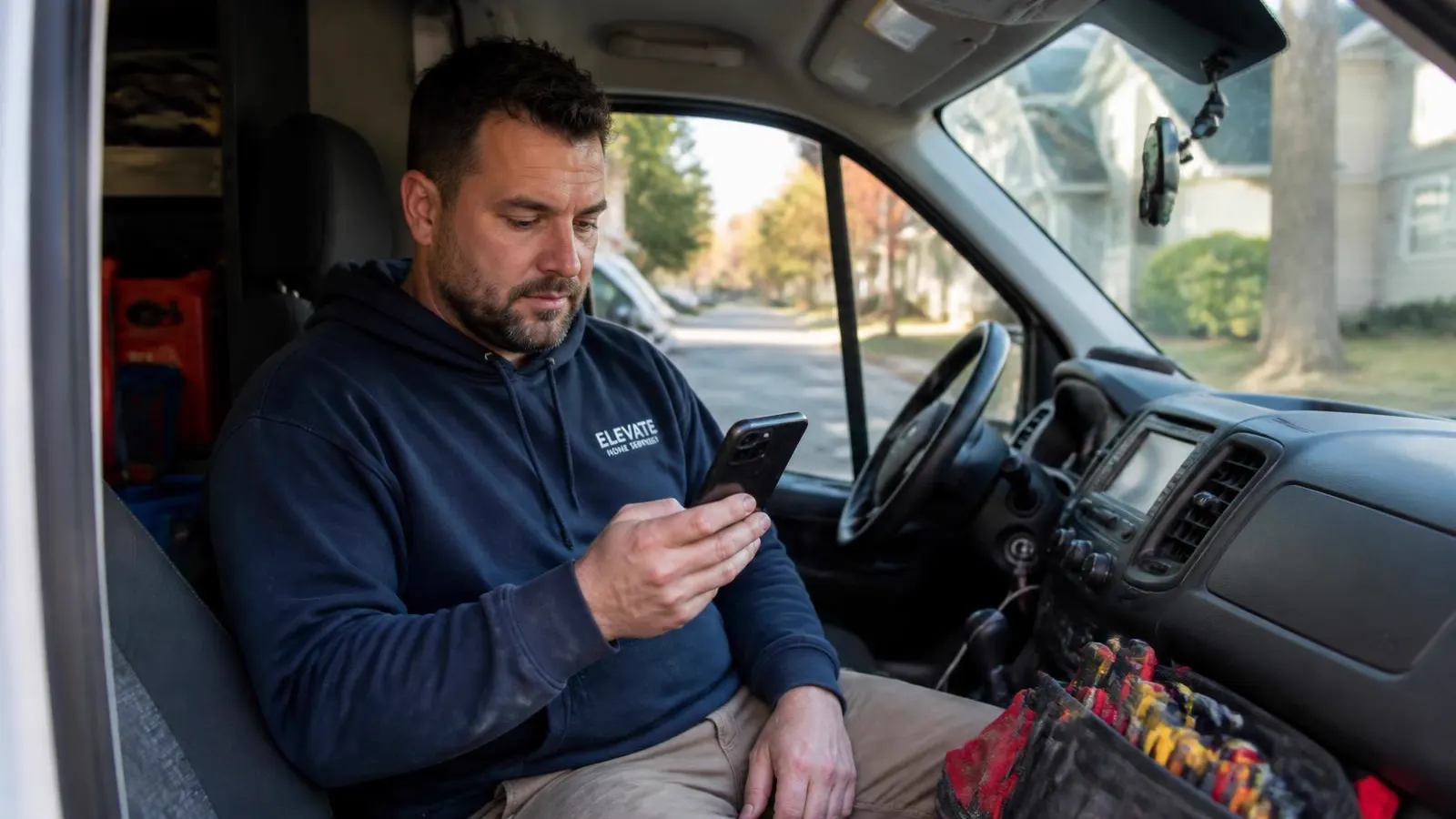
On Thumbtack you are usually not the only pro who sees a request. The customer sends details, more than one business can respond, and the conversation tends to settle with whoever answered first with something useful. If you are on a roof or under a sink when that notification arrives, you are already behind. A Thumbtack Auto Responder answers every lead in under 5 seconds, so you are in the conversation even while you are on a job.
The instinct is to check the app more often. That works for about a week. Here is a setup that holds up longer.
Why speed matters more here than on other channels
Two things are true about Thumbtack at the same time. You often pay when a customer contacts you, and the customer is frequently talking to other pros in parallel. That combination means a slow reply is not just a missed job, it is a missed job you already paid for.
Speed alone is not the whole story though. A one line "thanks, I will get back to you" is fast and still loses, because it gives the customer no reason to wait. Fast plus useful is the actual target.
Step one: fix the first message
Write the first reply once, carefully, and stop improvising it. A first reply that performs well usually does four things in under five sentences.
Uses their name and their job. "Hi Marcus, saw you need the garage door spring replaced in Northridge" tells them a real business is on the other end.
Gives a number or a range. If you choose to share pricing, a flat fee, an estimate by service type, or a rough range beats "we would need to see it." You can also leave prices out entirely. Customers comparing pros are comparing something. Give them something to compare.
Asks one question. Not six. The one that determines whether you can quote and schedule. Everything else can wait for the second message.
Offers a concrete next step. A time window, a call back offer, or a request for a photo. Something they can say yes to in one tap.
Step two: cover the hours you cannot
Requests arrive in the evening and on weekends, which is exactly when nobody is at a desk. You have three realistic options.
Rotate a phone. Someone carries the app after hours. It works if your team is small and willing, and it degrades quickly during busy season.
Use a template. Faster than nothing, but it sends the same words to every job and it cannot answer the follow up question, so the thread stalls anyway.
Automate the conversation. A responder that answers in seconds, asks your qualification questions, shares pricing only if you want it to (a flat fee, an estimate by service type, or no prices at all), and pulls in a person when the job is real.
The third option is what we built InstantResponse.AI for, alongside Google Local Services Ads and Yelp Requests. The point is not that a machine talks to your customers. The point is that the customer gets a real answer at 9pm instead of a placeholder.
Step three: decide what qualifies
Before you automate, write down what makes a Thumbtack lead worth your time. Most trades land on some version of:
- The job type is something you actually do.
- The address is inside your service area.
- The timing works with your schedule.
- The budget is in range, or the customer is open to your range.
- There is enough detail to price it or a photo on the way.
Turn each of those into a question and put them in order of how quickly they disqualify a bad fit. Service area first if you get a lot of out of range requests. Job type first if you get a lot of work you do not offer.
Step four: follow up like a person would
Most leads that go cold were interested. They got busy, or they were waiting on a spouse, or the photo they meant to send never got sent.
A follow up that works references the actual conversation. "Hi Marcus, still happy to hold Thursday morning for the spring replacement if that works" continues the thread. "Just checking in!" restarts it, and restarting reads as automated no matter who typed it.
A cadence that most teams find reasonable is one nudge a few days out, one the following week, and one final message after about two weeks. Then stop. Include an easy way out in the last message. Someone who says no clearly is more useful to you than someone who ghosts.
Also write down your stop rules before you turn anything on: opt out, an explicit no, booked elsewhere, wrong fit, out of area, maximum attempts, or a person has taken over the thread. Follow up that ignores those rules costs you more goodwill than the extra job is worth.
Step five: measure what you can actually change
Look at four numbers each month:
- Time to first reply.
- Percentage of leads that reply to your first message.
- Percentage that reach your team with the details you need.
- Percentage marked as spam or clearly out of scope.
Time to first reply is the one you fix with tooling. The reply rate is the one you fix with better copy. Confusing the two is why teams buy software and see nothing change.
A note on tone
Automation gets a bad reputation when it sounds automated. That is a writing problem, not a technology problem. Read every message you configure out loud. If you would feel awkward saying it to a customer standing in front of you, rewrite it.
The best test is simple. If a customer could not tell whether the first reply was typed by your office manager or generated from your rules, the setup is right.
Where to go next
If you want the mechanics of instant replies on Thumbtack specifically, the Thumbtack Auto Responder page covers what gets asked and how handoff works. If you want the broader argument for why the first useful reply matters, read Speed to Lead for Local Service Businesses.
Running more than one channel? How to set up an auto responder for Yelp Requests and How to automate replies to Google LSA message leads walk through the same decisions on Yelp and Local Services Ads.